Get started
Make an account, add a service and share your link.
Getting started
Create your account
Sign up with your email. You choose a username, which becomes your booking link, and your time zone. The free plan has no trial and needs no card.
Your first service
- Open Services and click New.
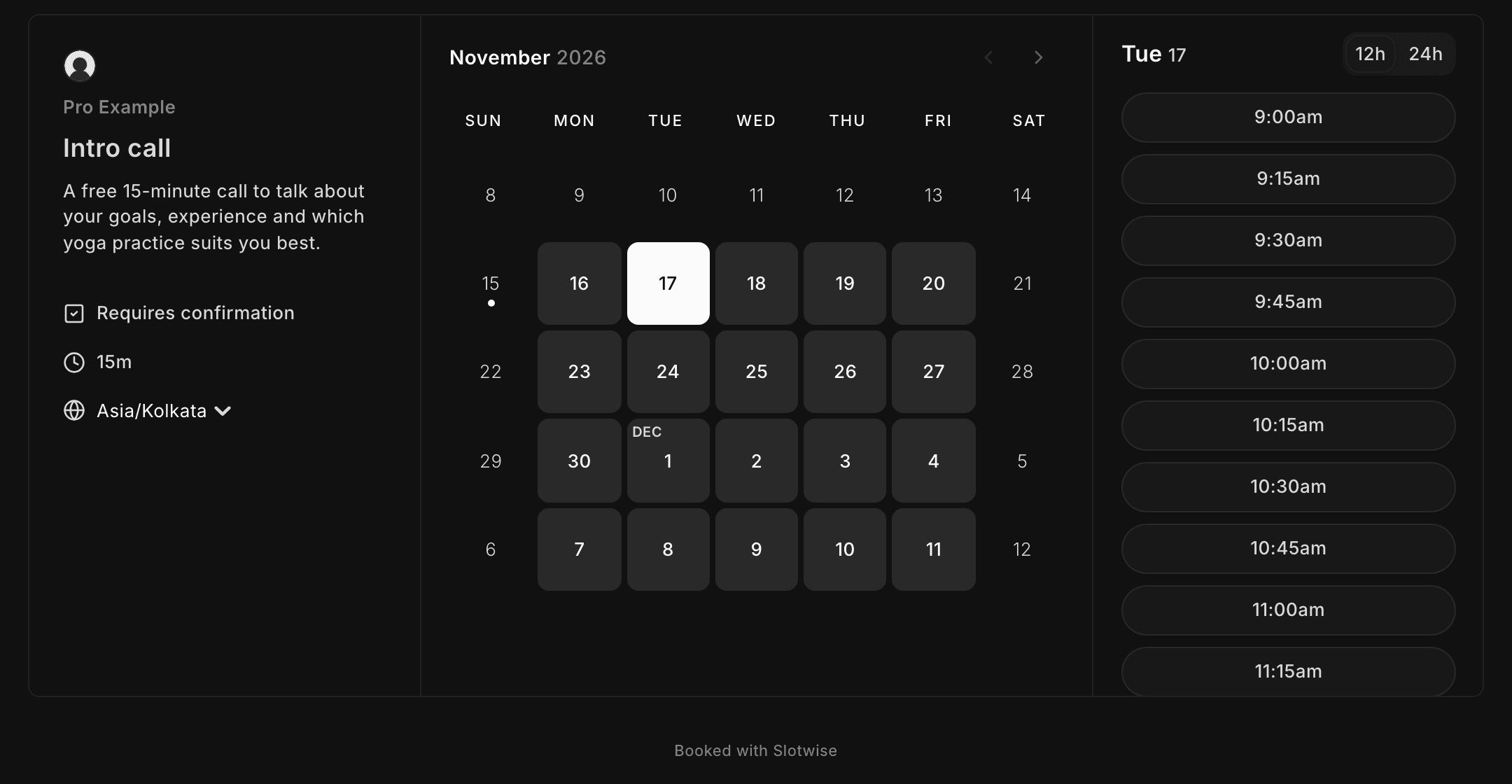
- Give it a title and a length, for example Intro call · 15 minutes.
- Pick a location: built-in video, Google Meet, Zoom, a phone call or an address.
- Save. The service gets its own link straight away.
Connect your calendar
Go to Apps and connect Google Calendar, Outlook, Apple Calendar or any CalDAV calendar. Nodslot checks it for busy times so you're never double booked, and adds new bookings to the calendar you choose.
Share your link
Your page lives at your username, and each service has its own link under it. Copy either from Home or the service's menu, or use View public page in the sidebar to see what clients see.
Move from Calendly
- In Calendly, open Integrations → API & Webhooks and generate a personal access token.
- In Nodslot, open Settings → Import from Calendly and paste it.
- Check the list of services and hours that will come across, then import.
The token is used once for the import and never saved.
© 2026 Nodslot